


Article
Software Development
Zoho
Unleashing the Power of Zoho Catalyst DevOps Part 2: The Components
Posted on April 25, 2024
By Kyle David
October 22, 2026
In the last part of our series on Zoho Catalyst DevOps, we learned about Zoho Devops components and created a practical, full-stack sample project. Now, it’s time to integrate the components to uncover more of the benefits developers can derive from these powerful components.
Integration of DevOps components
As we last discussed, monitoring, quality assurance, and repositories. Now, it’s time to gradually incorporate each of these components into our project, step by step.
Monitoring
Logging
Logging is required for any robust application. Even if they're not reviewed in real-time, it's crucial to save logs for future reference should they need to be analyzed.
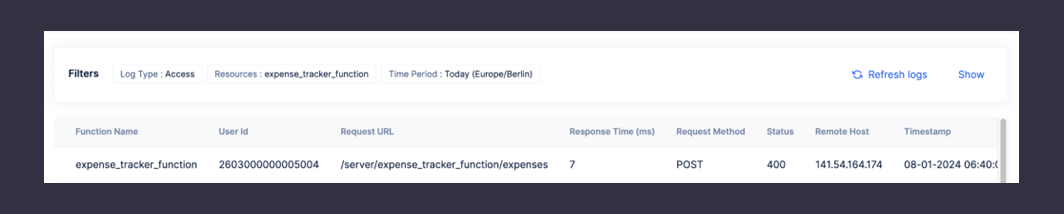
There are two main types of logs in Catalyst DevOps: access logs and application logs. Access logs offer information about the external information of execution. Meanwhile, application logs give information about the internal application state.
Now, let us add both of these logging to our project.
We have made the following changes to our post function.
app.post("/expenses", (req, res) =>
});
Now, let us deploy the function again and send a wrong request to our function.
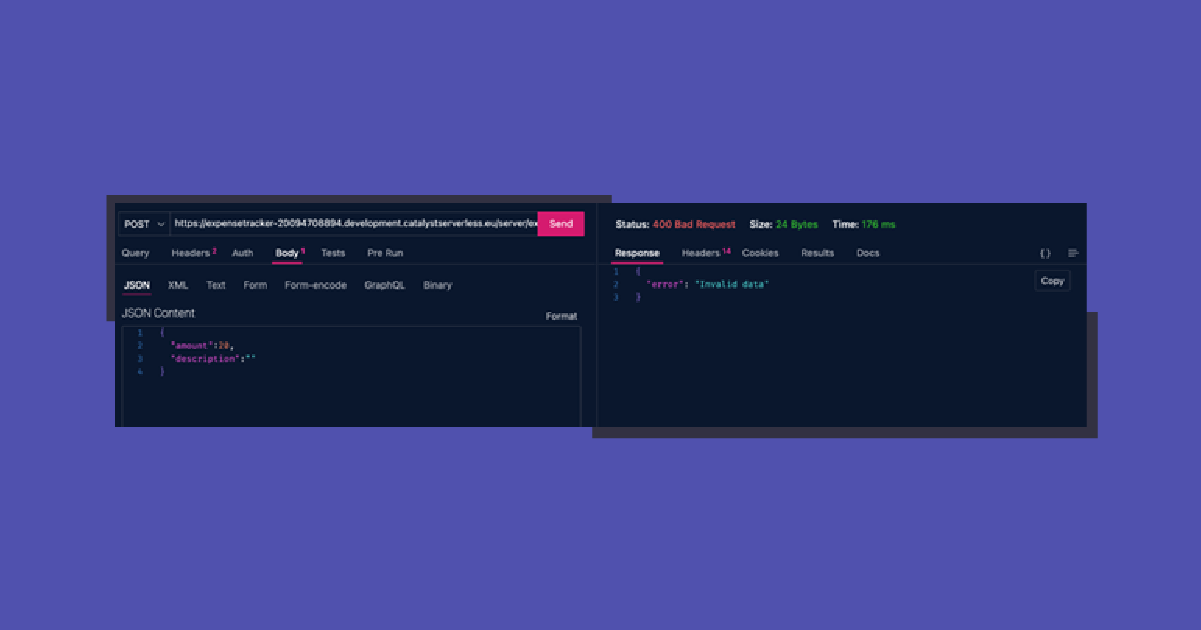
In our Catalyst logs dashboard, we get the following log for the access level.
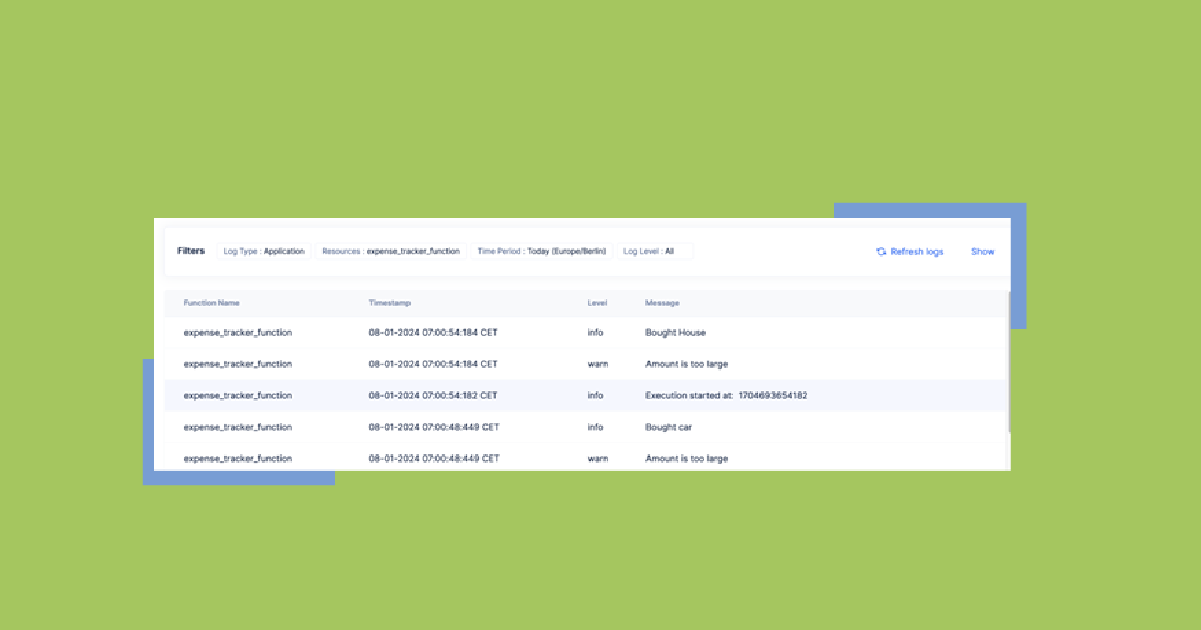
And for the application level, we get the following log.

Application Alerts
Application alerts are instant email notifications for application issues that help teams act quickly to maintain service quality. For demonstration, we will add a warning in our application that alerts the user if an amount they entered is too large.
app.post("/expenses", (req, res) => {
 const  = req.body;
 console.log(description);
 if (amount > 1000000)
//same code below
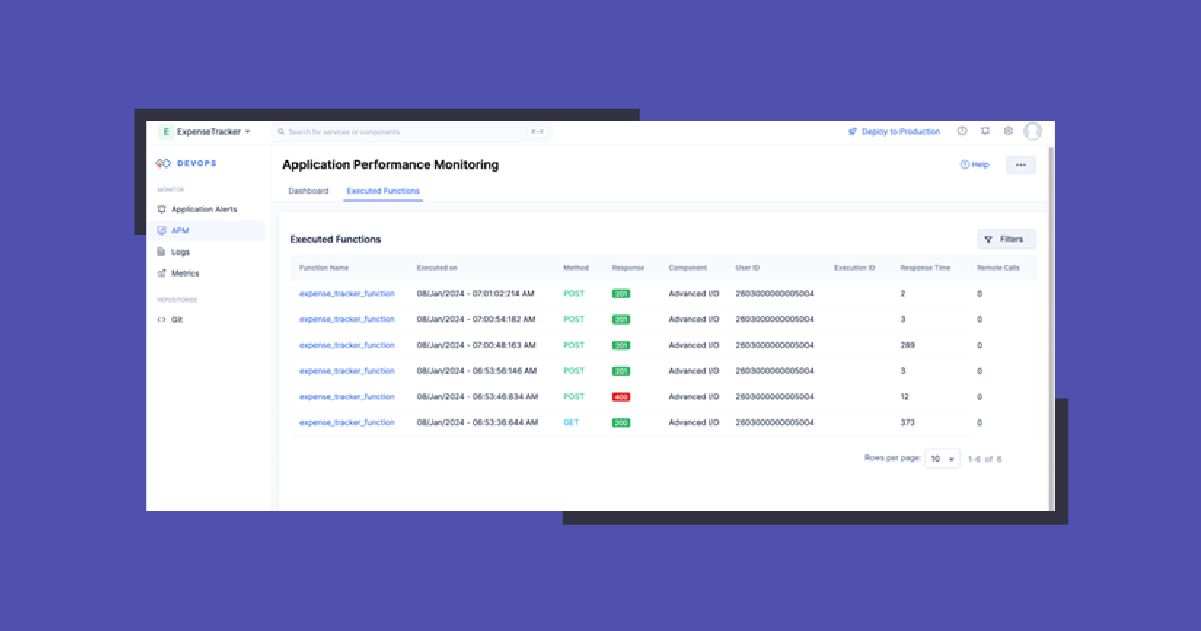
Application Performance Monitoring and Metrics
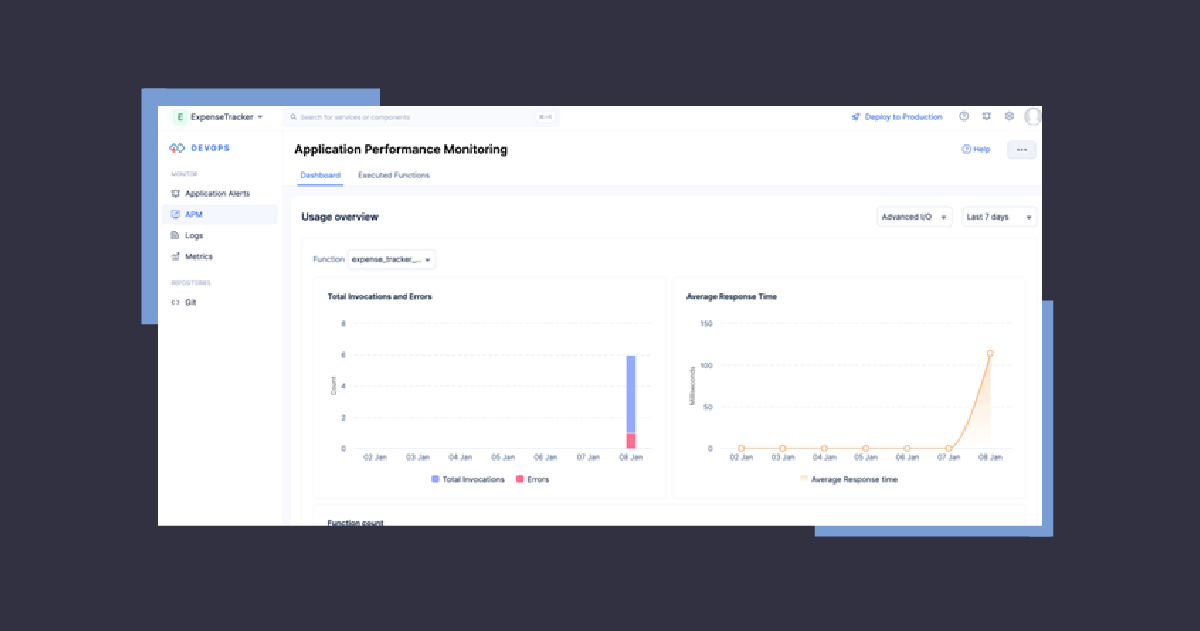
A complete dashboard is provided by Catalyst DevOps for in-detail monitoring. You can enable it in the Catalyst console.
Automated Testing
As we previously discussed, automated testing reduces the burden on quality assurance teams by ensuring comprehensive coverage and continuous validation of your application.
To kickstart automation testing, our initial step is to enable it.
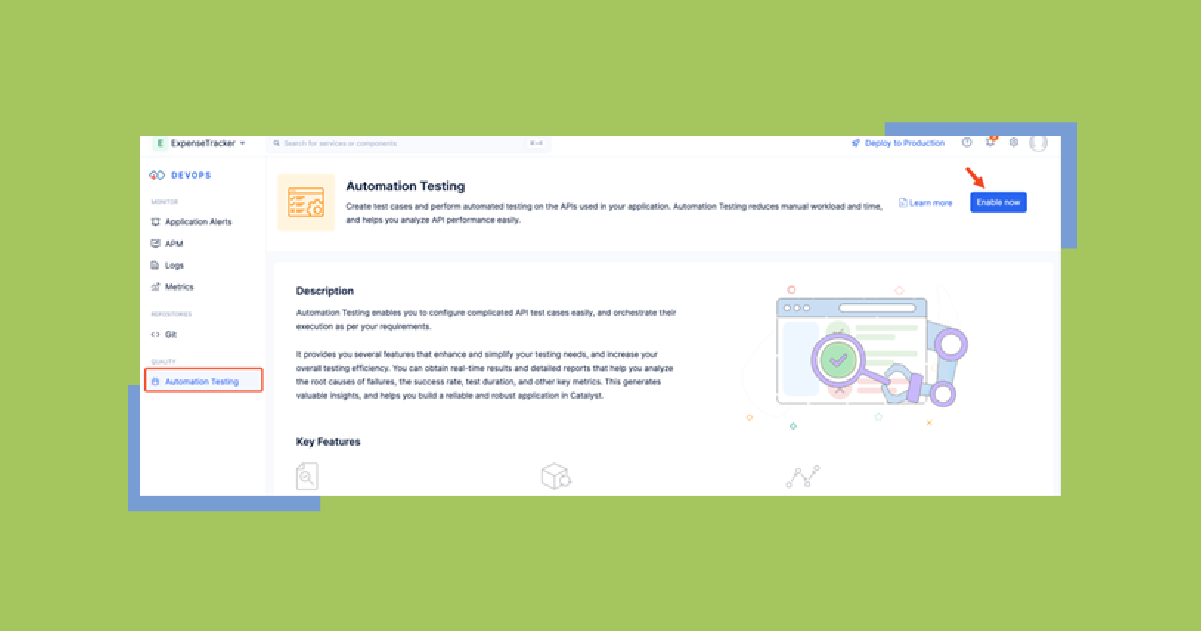
This component allows us to create different test cases and put them in test suites.
Let’s create our first test case for the function. This is simple, only requiring a name, module, and description of the test case.
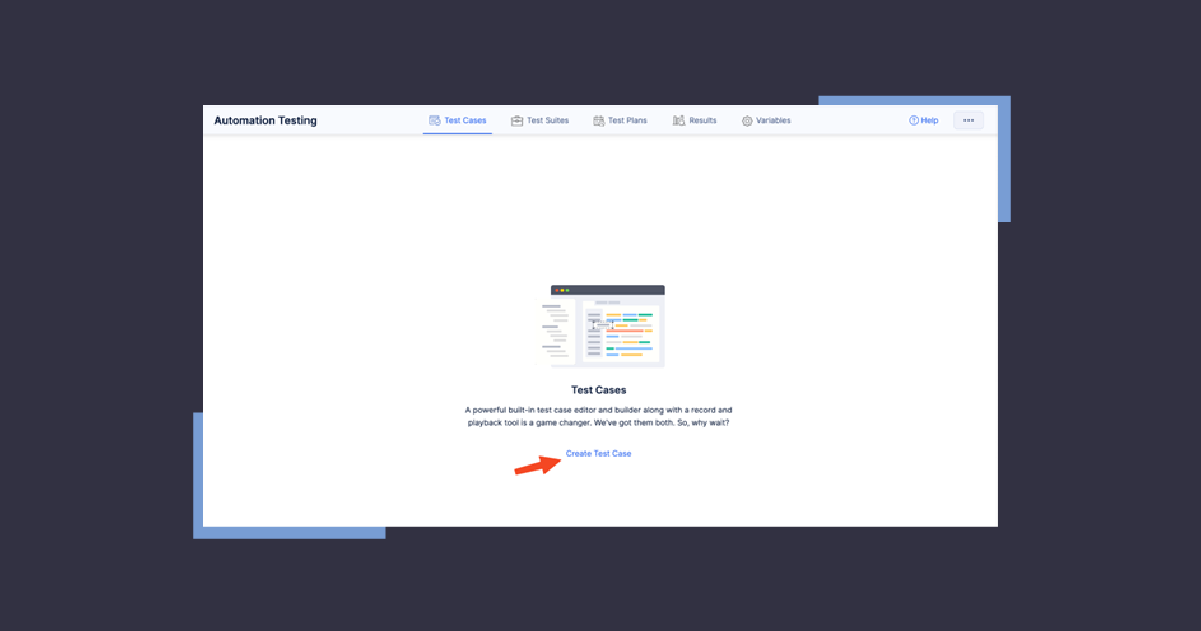
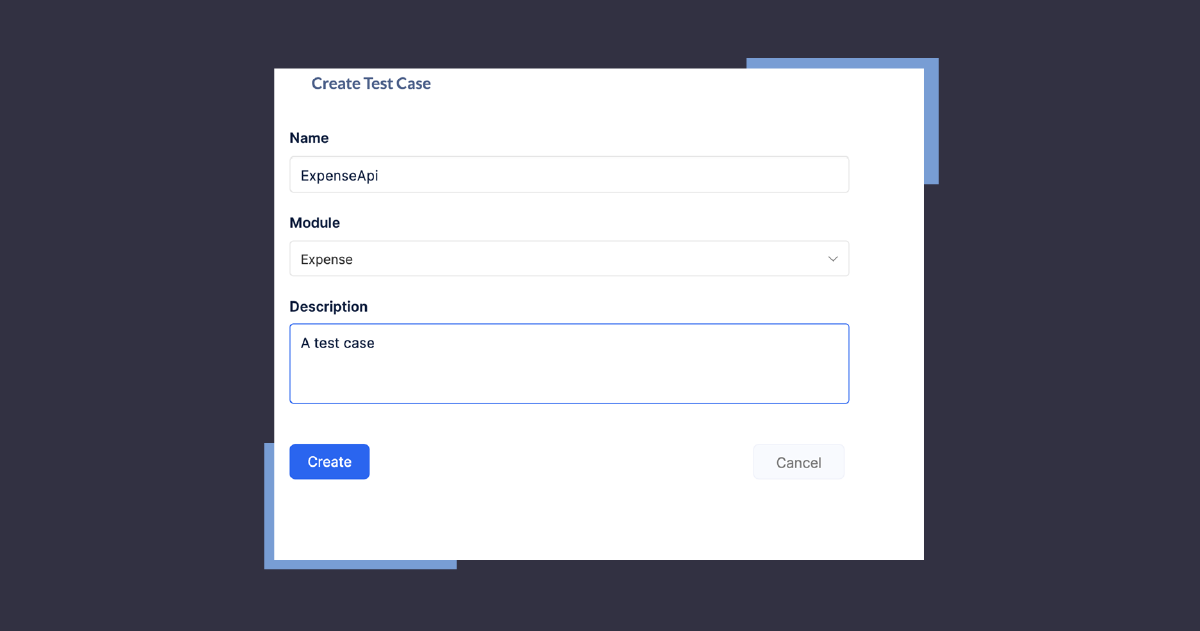
Next, you “Add Request,” which will specify the API endpoint you’d like to test. You can also add multiple assertions as per your testing needs.
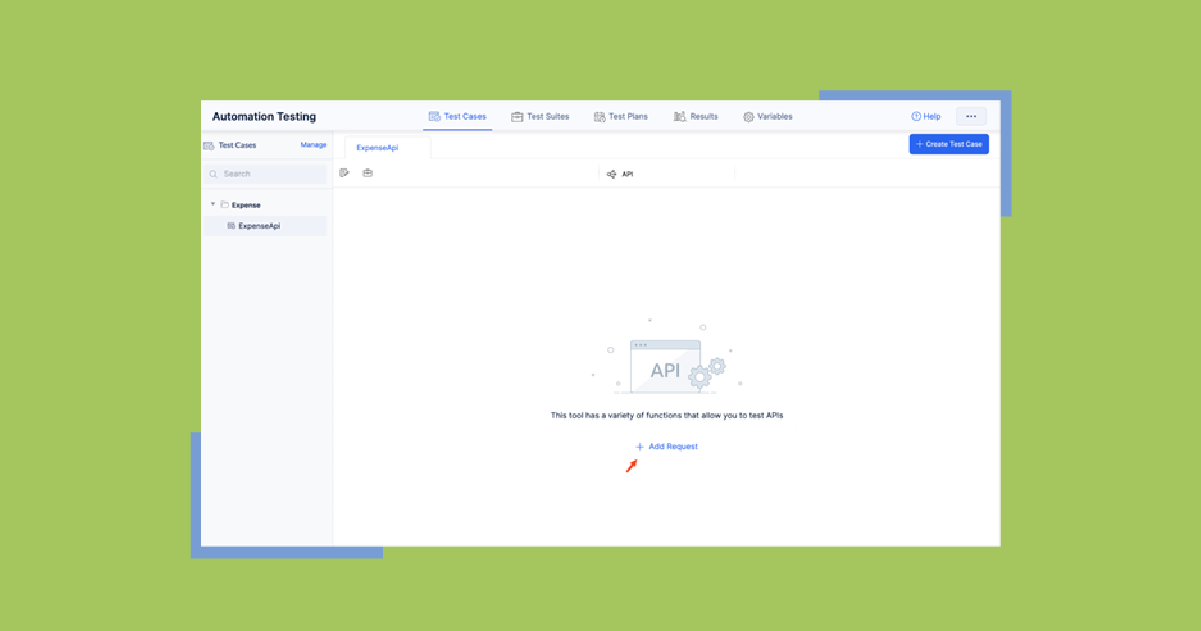
With the test case created, next is the automation part. This can be easily accomplished from the Test Suite tab.

Now that we have a test suite, we can create our test plan and officially complete the automation.

Automated Testing
As we conclude this series, it’s clear that the integration of Zoho Catalyst DevOps components offers more than just a sum of its parts. It embodies a holistic approach to software development, where efficiency, quality, and performance are not just goals but standards. The simplicity of our examples belies their significance, providing a foundation upon which developers can build complex, reliable, and scalable applications.

Kyle David is the President and CEO of KDG. He has navigated the dynamic intersection of technology and business, advising both leaders and organizations, from Fortune 25 companies and professional sports leagues to innovative technology startups.

